Need Support?
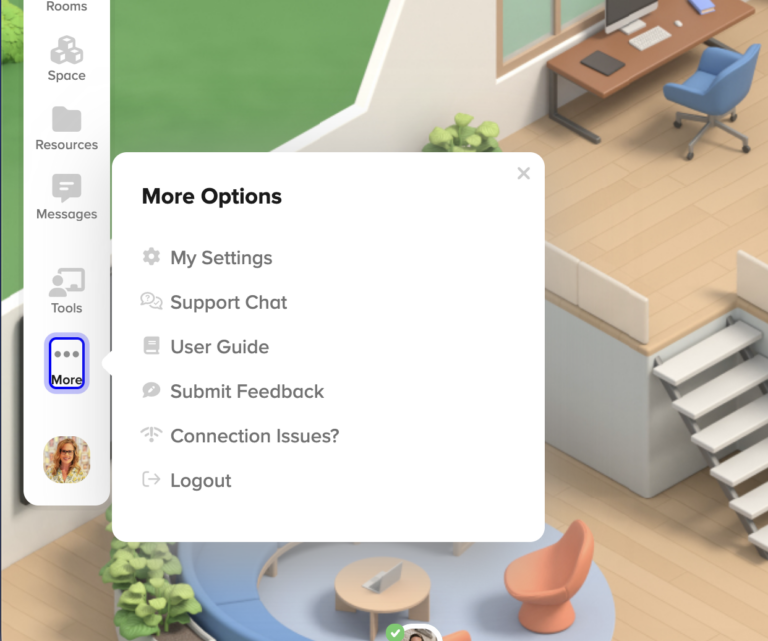
Within the Proximity App you can access Support Chat from More Options in the left-hand menu. You will also find the Proximity User Guide in the same place.
If those options don’t resolve your needs, feel free to email support@proximity.live or complete this Contact Support form.
Find your Organization Name in Organization Settings
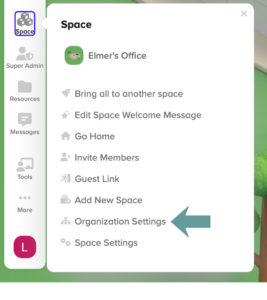
Organization Settings are available to Organization Administrators in the Proximity App. You can find Organization Settings in the left-hand menu by choosing Space and then Organization Settings.
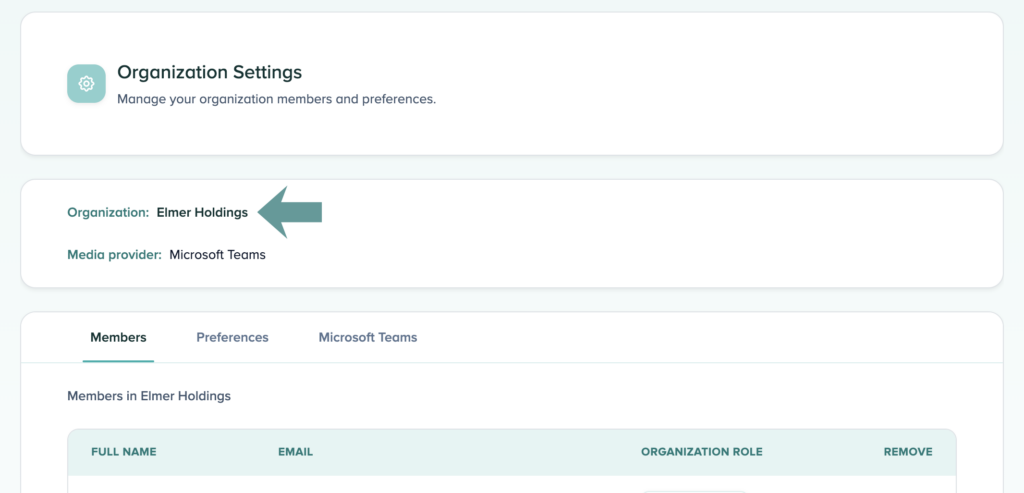
On the Organizations Settings page, you will find the Organization Name near the top of the page.
Find your Organization Name in Space Settings
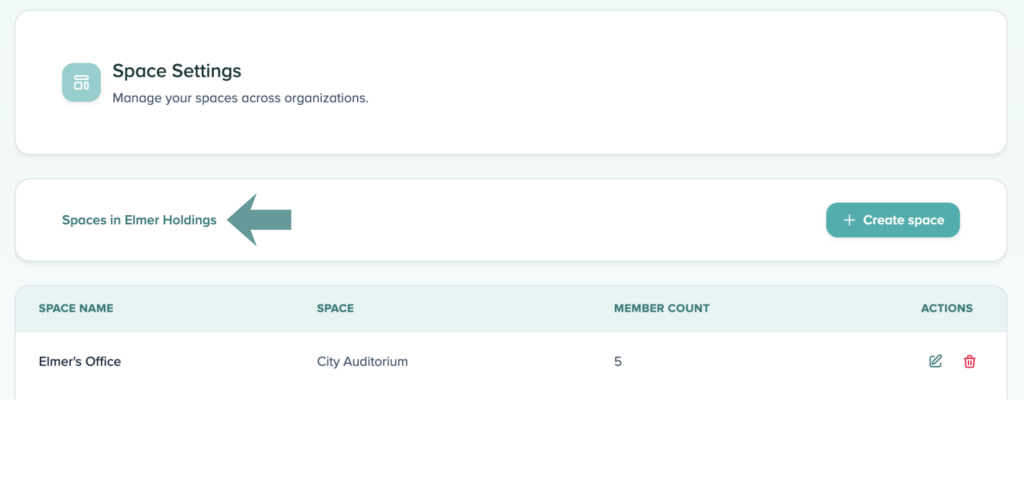
Space Settings are available to Space Moderators in the Proximity App. You can find Space Settings in the left-hand menu by choosing Space and then Space Settings.
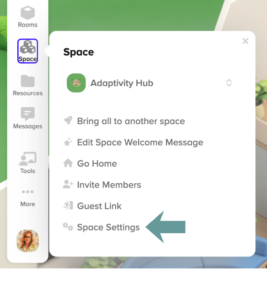
On the Space Settings page, you will find the Organization name near the top of the page.